Title Tags & Meta Descriptions: The Step-by-Step Guide to Winning the Click

Two invisible lines of HTML decide what your business looks like on a Google results page: the blue link people click and the grey sentence under it. Most sites let their software auto-generate both, which is how you end up ranked on page one as Home or with a description cut off mid-wor. Ranking gets you onto the page; these two tags decide whether the click goes to you or the result below you. This guide covers the length limits that stop Google rewriting your tags, formulas for titles that win clicks, and how to fix the pages that already rank but never get chosen.
What these two tags actually are
Every page on your site has two lines of invisible text that Google turns into your search listing:
Title tag — the big blue clickable headline in a search result. Also shown in browser tabs and when a link is shared.
Meta description — the one-to-two lines of grey text underneath it. Not a ranking factor, but it's your ad copy: it decides whether someone clicks you or the result below you.
Together they are your entire storefront in Google. Most small business sites leave them as whatever the platform auto-generated — which is why most listings read like filenames instead of reasons to click.
Our own numbers, so you know this is real
We checked Google Search Console for this site while writing this guide. In the last 28 days:
That post ranks around position 21 for searches like "open graph image" — real demand, real visibility, almost no traffic. The page content is good; the title and description weren't earning the click. A typical result at that position gets roughly a 1% click-through rate — ten times what we got. This whole guide is the checklist we used to fix it.
Impressions are Google's opinion of your page. Clicks are the searcher's opinion of your title.
Step 1 — Find your weak listings (5 minutes)
Don't guess. Google Search Console shows you exactly which pages appear in searches but don't get clicked. It's free — if you haven't connected it, do that first at Google Search Console.
Open Search Console → Performance → Search results.
Turn on all four metrics: clicks, impressions, CTR, and position.
Click the Pages tab and sort by impressions.
Flag every page with lots of impressions and a CTR under about 1% — those are your money fixes. Write down the top three.
How to verify you did it right: your list should surprise you a little. The pages Google shows most are often not the ones you'd expect.
Step 2 — Rewrite the title tag (the formula)
A title tag that wins clicks does three things in under 60 characters — longer titles get cut off mid-sentence in results:
Starts with the words the searcher typed. If they searched "custom cakes brooklyn", a title starting "Custom Birthday Cakes in Brooklyn" instantly confirms they're in the right place.
Adds a concrete benefit or differentiator. "Ready in 48 Hours", "With 40+ Photos", "From $30". Specific beats clever.
Cuts everything that isn't information. "Home", "Welcome", "| Official Site" and your company name (unless people search for you by name) are wasted characters.
❌ Before
Home | Sullivan's Bakery
Services — What We Offer
Blog Post #12: Some Thoughts on Cakes
About Us | Welcome to Our Website
✅ After
Custom Birthday Cakes in Brooklyn — Ready in 48 Hours
Wedding Cake Prices & Packages (2026) | Sullivan's
How to Order a Photo Cake: Sizes, Prices, Lead Times
Meet the Bakers Behind Brooklyn's 5-Star Cake Shop
Step 3 — Write the meta description like ad copy
You have about 155 characters before Google truncates it. The job: give the searcher a concrete preview plus a reason to choose you.
Answer "what will I get if I click?" — "See 40+ real cakes, prices, and how to order" beats "We offer a wide range of products."
Include the search phrase once, naturally. Google bolds matching words, which draws the eye to your listing.
End with a nudge, not a command. "See prices and real examples" outperforms "Click here!"
Never stuff keywords. Google rewrites descriptions it doesn't trust — you lose control of your own listing.
One honest caveat: Google rewrites descriptions for over half of all pages, usually when the description doesn't match what the searcher typed. The better your description matches real searches, the more often Google keeps yours. Google's own snippet guidelines explain what it looks for.
Step 4 — Ship it, then verify in two weeks
On most platforms the fields live in each page's SEO or settings panel. On StoryPress you can just tell the assistant "rewrite this page's meta title and description to target 'custom cakes brooklyn'" and it's done — that's the edit-by-asking workflow, and it's the same one we used on our own posts this week.
Update the title tag and meta description on your top three flagged pages.
In Search Console, use URL Inspection on each page → Request indexing so Google picks up the change in days instead of weeks.
Set a reminder for two weeks out. Re-open Performance → Pages and compare CTR on those three pages against your notes.
A healthy target: 2–5% CTR at position 10–20, higher near the top. If CTR didn't move, the title still isn't matching what searchers want — look at the actual queries in the Queries tab and rewrite toward them.
How to verify it worked: CTR on the fixed pages should at least double. Ours is the experiment running right now — we'll report the results on this blog either way.
The 60-second checklist
Title under 60 characters, description under 155
Title starts with what the searcher typed
One concrete benefit, number, or timeframe in the title
Description previews exactly what's on the page
No "Welcome", no "Home", no keyword stuffing
Reindex requested, calendar reminder set for the CTR check
One practical website guide like this, every day
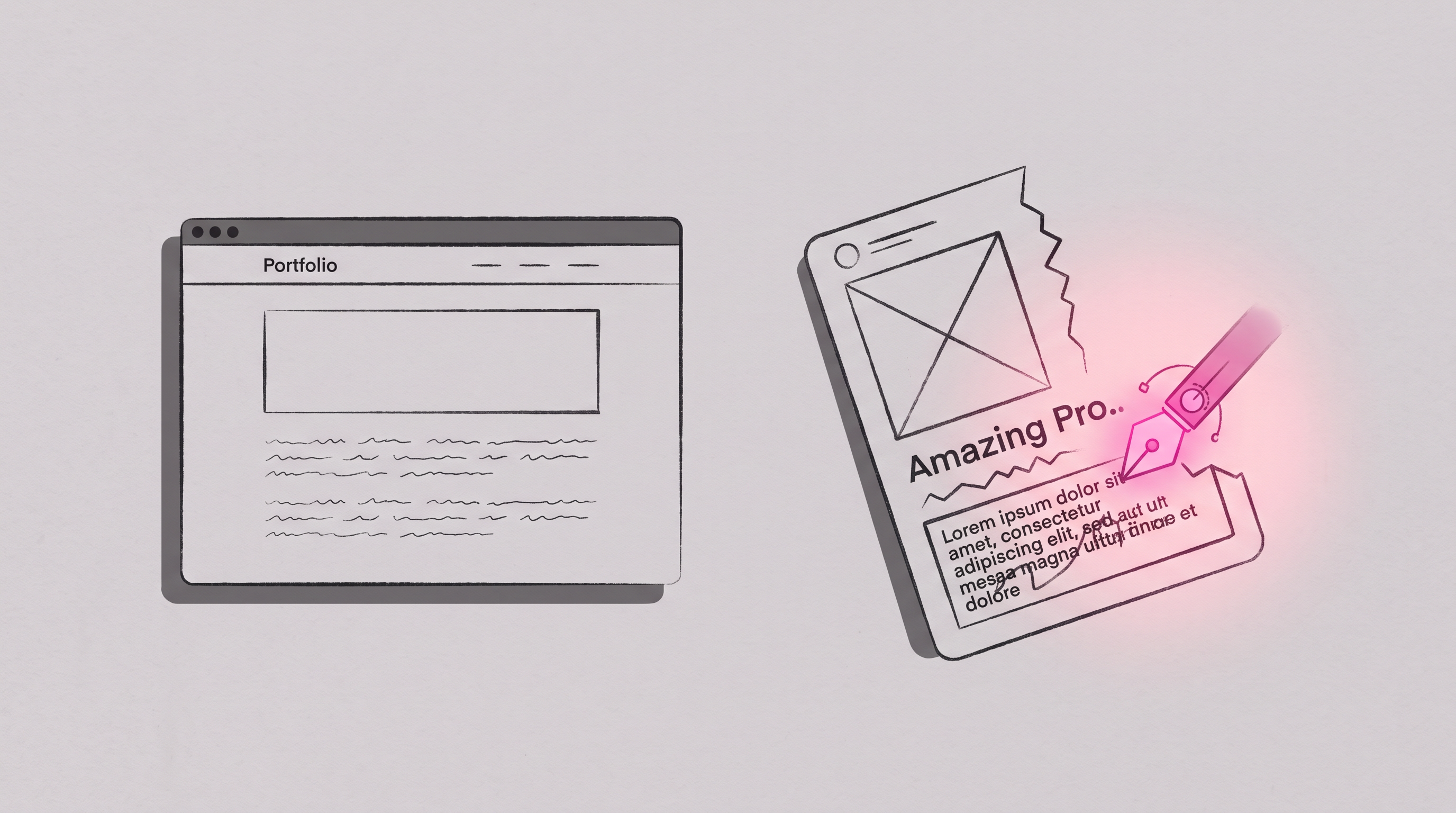
Open Graph Tags Incomplete? Here's the Fix
Somewhere in your audit report, between the items that genuinely matter, sits a block of warnings about Open Graph tags: og:image missing, og:url mismatch, markup incomplete. The names are opaque, the tool marks them orange, and you have no idea whether your rankings are bleeding. Here is the honest answer up front: these tags have nothing to do with rankings. They control how your links look when shared in social feeds and chat apps, which makes them worth fixing, calmly, in about ten minutes. This guide translates each warning and shows the fix with the exact tags to paste.
)
Why Small Businesses Choose StoryPress: 3 Things That Actually Matter When Building a Website
Ask a small business owner what is wrong with their website and you will not hear about features. You will hear that it looks like a template, that Google ignores it, and that changing one sentence means paying someone or losing an evening. Those three complaints are the entire game: design that feels custom, pages search engines actually rank, and edits that take a minute. Every platform advertises all three; almost none deliver them together, because the tools were built for other priorities. This post walks through the three things that matter and how we built StoryPress around exactly them.